Tally to Odoo Migration
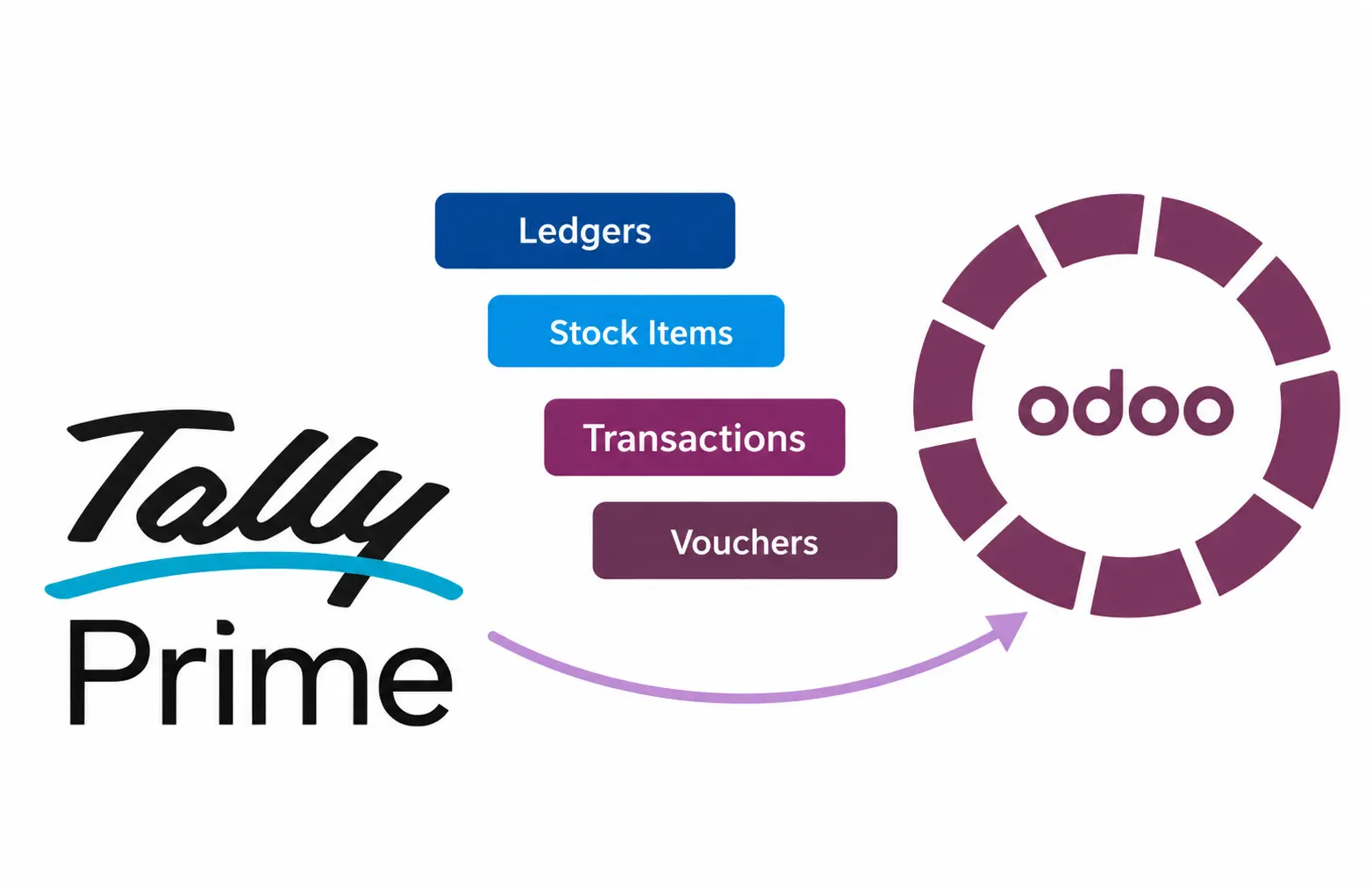
Tally to Odoo Migration Move your ledgers, items, opening balances and vouchers from TallyPrime to Odoo without re-entering years of data.
At VeeVee Infotech, we migrate your Tally data into Odoo with the right accounts, contacts, products and GST details, so your team can go live on Odoo with confidence.
Master data Stock Items Vouchers 16+ Years exp
See It in Action
Watch how Tally master data, opening balances and vouchers are migrated into Odoo, step by step
Part 1: Master Data Migration
Ledgers, customers, suppliers and stock items moved from Tally to Odoo.
Part 2: Transaction Data Migration
Transactions data migrated From Tally to Odoo.
Don't Re-Enter Years of Tally Data
You've chosen Odoo to run your business. Your data is still in Tally.
Without a migration tool, every ledger, customer, supplier, stock item, opening balance and voucher has to be typed again in Odoo. That means weeks of manual work, and mistakes in party names, GST details and balances that surface only when the trial balance doesn't match.
VeeVee Infotech's Tally to Odoo Migration removes that re-entry. Your Tally data reaches Odoo with the correct accounts, contacts, products and taxes.
Accounting Vouchers
Posted using Tally's own voucher types.
✅ Ledger opening balances
✅ Sales and Purchase
✅ Payment and Receipt (bank and cash)
✅ Journal
✅ Debit Note and Credit Note
Master Data
Migrated first, so every transaction finds its account, contact and product.
✅ Ledgers and groups as Odoo chart of accounts
✅ Customers & suppliers, with address and GSTIN
✅ Stock items as products, with units and HSN/SAC
✅ Stock groups as product categories
✅ GST tax ledgers (CGST, SGST, IGST) mapped to Odoo taxes
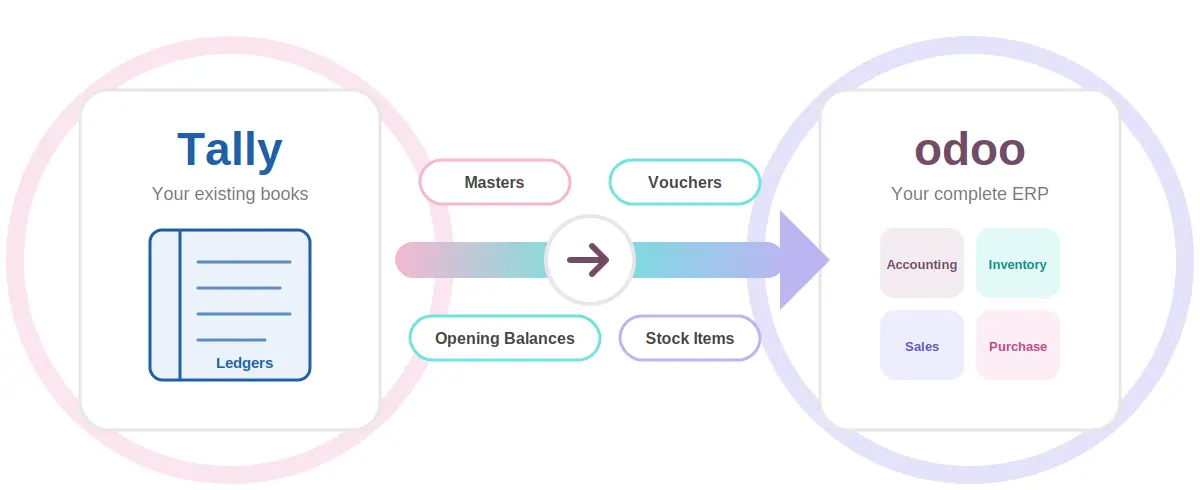
Migration runs in order: masters first, then opening balances, then vouchers, so nothing lands in Odoo without its ledger or item.
16
Years of Tally Experience
Built by Tally Experts, Delivered by Odoo Experts
A migration is only as good as its understanding of Tally. Our team has spent 16 years implementing, customising and supporting Tally, and we implement Odoo too.
Ledgers are mapped from Tally groups (Sundry Debtors, Sundry Creditors, Sales, Purchase, Duties & Taxes) to the right Odoo accounts.
Items carry their units and HSN/SAC details into Odoo products.
Vouchers become the matching Odoo invoices, bills, payments and journal entries.
Balances in Odoo are checked against Tally before you go live.
Migrate Masters
Accounts, contacts, products and categories are created in Odoo.
Map
Tally ledgers, taxes and voucher types are matched to Odoo.
Migrate Vouchers
Sales, purchase, payment, receipt, journal and notes move across.
Verify & Go Live
Trial balance in Odoo is matched with Tally.
Review
Your Tally companies, groups, ledgers and items are studied.
Key Features
Ledger & Group Mapping
Tally groups and ledgers are mapped to your Odoo chart of accounts
Item Master Migration
Stock items, units and groups become Odoo products and categories.
GST-Ready Migration
GSTIN, HSN/SAC and CGST, SGST, IGST details are carried into Odoo.
Voucher Migration
Sales, purchase, payment, receipt, journal and note vouchers move to Odoo.
Balance Verification
Trial balance and party balances are compared before go-live.
Customisation Options
Every business keeps its books differently, so the migration can be tailored to yours:
Company-wise and branch-wise migration
Your choice of cut-off date
Ledger and voucher type mapping
Item-based or ledger-based accounting
Selected voucher types only
Frequently Asked Questions
Ledgers, customers, suppliers, stock items, units, groups, GST details, opening balances and vouchers: Sales, Purchase, Payment, Receipt, Journal, Debit Note and Credit Note.
No. The master data migration creates them in Odoo from your Tally ledgers and stock items.
Yes. GSTIN on parties, HSN/SAC on items and GST tax ledgers are mapped to the matching fields and taxes in Odoo.
No. Data is read from Tally and created in Odoo. Your Tally company stays as it is.
We compare the trial balance and party balances in Odoo with Tally for the same date before you go live.
Yes. Submit an enquiry with your TallyPrime and Odoo details, and we'll arrange a demo.